Stay ready for the next conversation.
The number, context, controls, and next action are already where the caller needs them.
Put the next lead, dial controls, live context, coaching, and follow-through in one working surface—so callers spend more of the day talking and managers know where results are being won or lost.
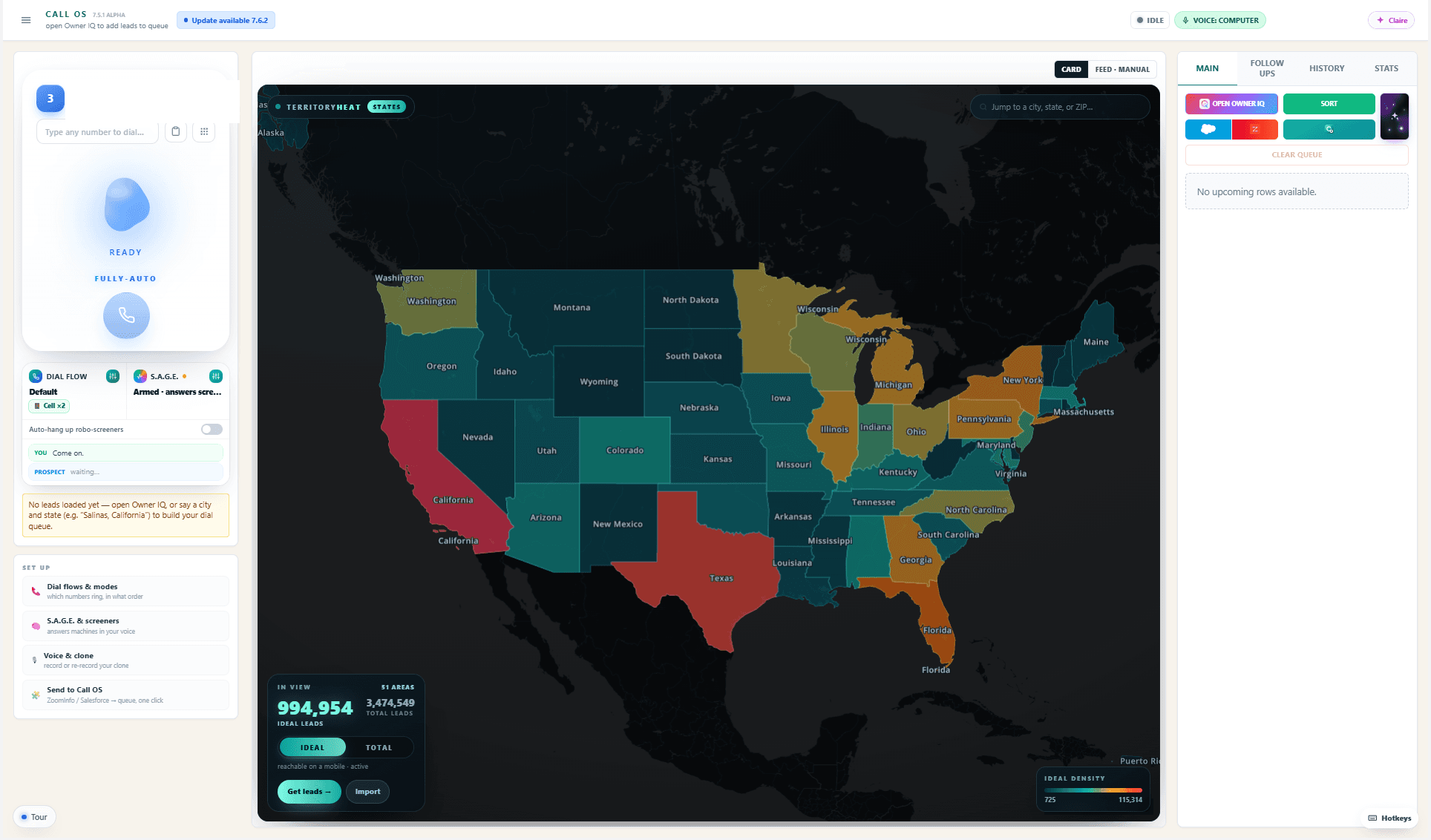
Strong outbound work depends on preparation, control, and clean follow-through. Call OS carries all three through the same live workspace, on every call.
Explore the complete productThe number, context, controls, and next action are already where the caller needs them.
Reach, call state, follow-up, and appointments reveal whether the queue, workflow, or coaching needs attention.
Shared dial flows, outcome rules, and working memory carry across reps, lists, and shifts.
Owner IQ is the specialized business-owner intelligence graph. Call OS is the outbound workspace for any list your team needs to work.
The specialized graph of business owners, companies, numbers, geography, research, and accumulated evidence.
The outbound workspace where reps call, work the conversation, classify the result, and follow through.
Dial, reach, appointment, transcript and follow-up signals make the next decision smarter.
Searches, connects and continuously improves owner-company intelligence.
Executes the work: queue, call, assist, classify, schedule and remember.
Calling, context, coaching, outcomes, follow-up, and performance evidence stay attached to the same active lead.
LIVE, voicemail, AI screener, disconnected, no answer, and manual calls never blur together.
01Company research, maps, local hooks, and prior history stay attached to the active lead.
02Arrow keys, voice commands, and direct call controls keep momentum through the shift.
03Dual-channel transcript, response support, and relevant questions stay beside the conversation.
04Appointments, follow-ups, junk numbers, and DNC actions feed one trustworthy history.
05Dial flows, rep history, and network reachability help the floor decide what comes next.
06Call OS is designed for the long shift: quick controls, visible call state, fewer handoffs, and evidence a manager can use without interrupting the rep.
Bring your list—or source owner-led businesses through Owner IQ. Call OS turns the work into a repeatable floor-wide system.